

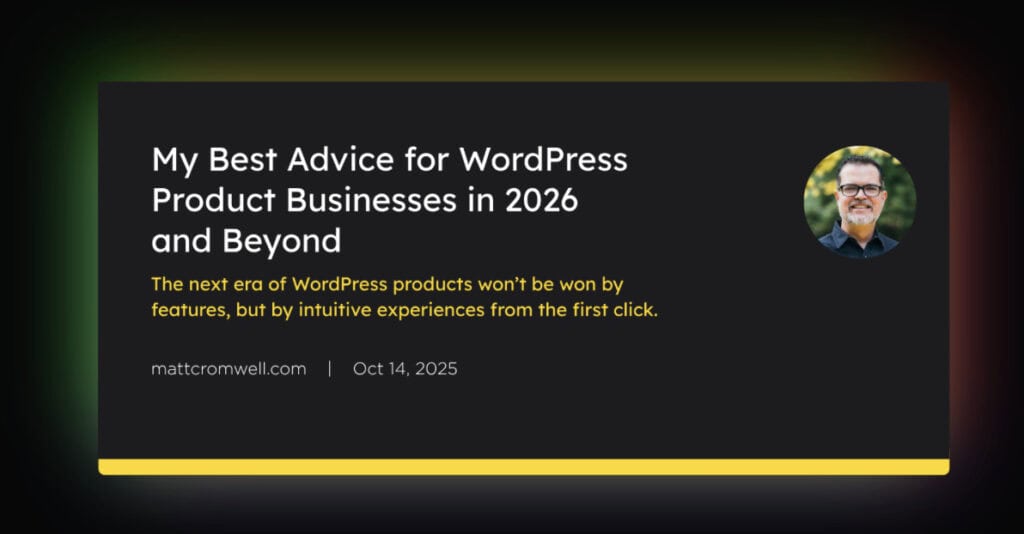
Matt Cromwell recently published “My Best Advice for WordPress Product Businesses in 2026 and Beyond” – a compelling case for why user experience will define winners in WordPress’s next era. Invest in UX, simplify your interfaces, perfect your onboarding flows he says. It’s a thoughtful, well-argued piece from someone who deeply understands the WordPress ecosystem.
We also think it’s wrong.
Well, he is right about one thing: user experience will decide who wins.
But he’s wrong about what “experience” means and even who the “user” is.
His article assumes tomorrow’s users will still be sitting at their desks, manually configuring plugins. The status quo.
But the next great UX revolution won’t happen on the screen – it’ll be happening behind it.
Your next “user” might not be human
Here’s a prediction that’s less radical than it sounds: within three years, most WordPress users won’t interact with plugins directly. They’ll speak to an AI assistant that configures everything behind the scenes.
“I need to create a donations form submissions for my Christmas campaign”
That’s it. AI will see you have Gravity Forms installed or install a plugin for you, and create the form. No wizard. No onboarding. No settings panel. No “getting started” documentation. The user states intent, and the work happens invisibly. The user may not even care which plugin powers it, how many options it has, or whether the dashboard is beautiful. The AI will handle that.
The situation reminds me of that phrase: “No one wants a drill. What they want is the hole.” Users don’t want WordPress plugins – they want results. And increasingly, AI is the tool that delivers those results without making users become temporary experts in plugin configuration.
This fundamentally breaks the UX paradigm that developers have spent decades perfecting. All those carefully designed onboarding flows? They become friction. That minimal interface with just three settings? It’s actually limiting when an AI needs precise control. The award-winning dashboard? Literally never seen.
The experience becomes the result, not the journey.
So what if the next million “users” of your plugin never see it at all?
More Features, Not Fewer
This is where we think Matt gets it wrong.
He says “the next generation of users expects clarity before control. Every new decision you ask a user to make adds mental friction. Every toggle they don’t understand is another reason to give up.”
AI agents don’t suffer from decision paralysis. They don’t get overwhelmed by options. They don’t need hand-holding through a streamlined interface.
They need power. They need precision. They need flexibility.
An AI doesn’t want three carefully curated settings that cover 80% of use cases. It wants every hook, every filter, every configuration option exposed through clean APIs. It wants to deliver exactly what its human asked for, not approximately what some designer decided most people probably want.
The winning plugin won’t be the one with the cleanest UI. It’ll be the one that can be orchestrated most effectively by machine intelligence – the one that says “yes, I can do exactly that” instead of “here are your three choices.”
Setup wizards? If your product needs one, you’ve already lost to the plugin with sensible defaults and comprehensive programmatic control.
When Your Documentation Reader Is an LLM
Consider what happens when Claude or ChatGPT analyzes your plugin in thirty seconds and understands every capability, limitation, and configuration option.
Not by reading your carefully crafted onboarding tutorial, but by parsing your code, examining your API responses, and understanding your data structures.
Documentation becomes less about teaching humans and more about being machine-readable. Your plugin needs to be self-describing. Your functions need predictable signatures. Your responses need structured data, not prettified HTML. Your errors need semantic meaning, not user-friendly apologies.
Steve Jobs said if users need a manual, the design has failed.
In the AI era, if an agent needs extensive documentation, your code has failed.
This is why investing heavily in user-facing UX might be the wrong bet. That budget might be better spent on robust APIs, comprehensive error handling, and structured metadata. The “design” challenge shifts from pixels to protocols, from clicks to contracts.
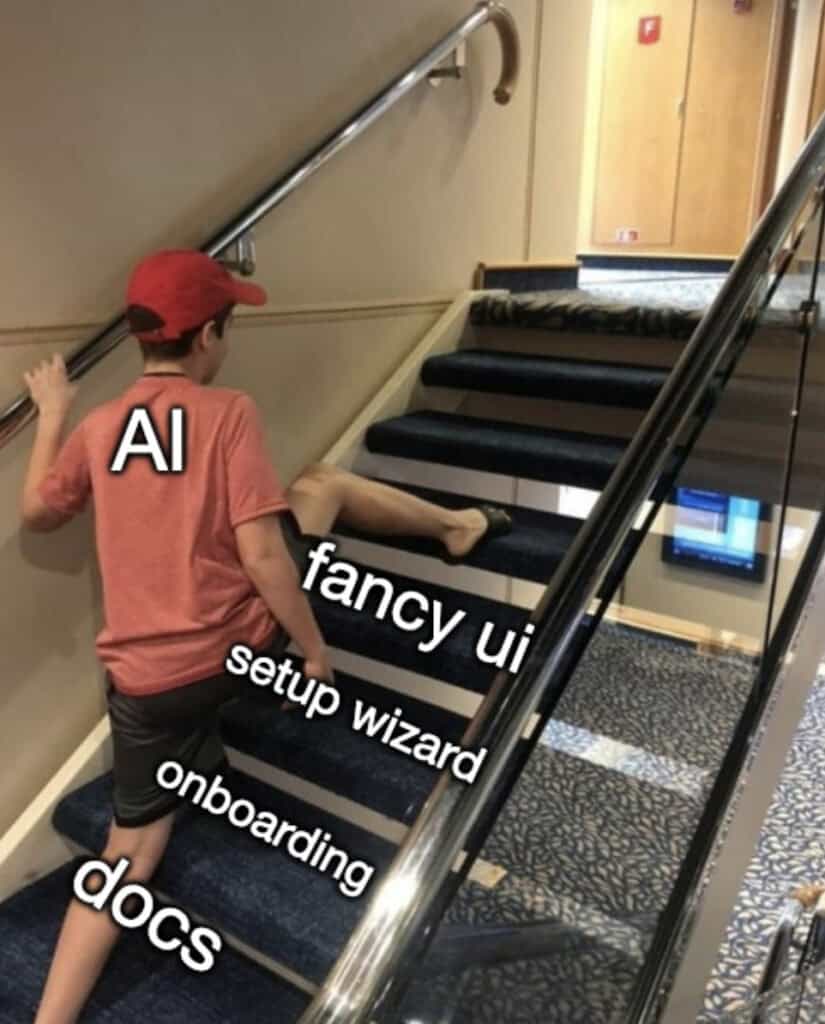
Zero Interaction Is the Ultimate UX
UX designers and Product Managers have spent the last 20 years or so chasing simplicity.
Remove friction. Reduce cognitive load. Make it intuitive. Eliminate unnecessary steps.
AI delivers the logical conclusion: eliminate all steps.
The best experience isn’t three clicks instead of five. It’s zero clicks.
The best onboarding isn’t fast – it’s non-existent.
The best interface is the one you never see because an AI handled everything before you knew you needed it.
This isn’t just efficiency. It’s a fundamental shift in what “user-friendly” means. Friendly isn’t gentle guidance through a wizard. Friendly is understanding intent and delivering results without asking you to become a temporary expert in contact form configuration.
When WordPress assistants can install, configure, and customse plugins through natural language, what becomes valuable isn’t the interface – it’s the intelligence beneath it. The empathy isn’t in the hand-holding; it’s in the prediction of intent.

What WordPress Plugin Developers Should Actually Do
If you’re building WordPress plugins for an AI-mediated future, here’s what matters more than pixel-perfect interfaces:
Make your plugin machine-readable from the ground up:
- Add structured metadata that describes what your plugin does, its capabilities, and its limitations
- Use consistent, predictable naming conventions for functions, hooks, and filters
- Document your code inline so AI can understand intent, not just syntax.
- Return structured responses instead of HTML where possible
Expose comprehensive programmatic control:
- Liberally add WordPress filters and actions throughout your codebase
- Build REST API endpoints for every significant operation
- Allow configuration through code, not just UI (see Abilities API, wp-cli, command palette)
- Make sensible defaults so zero configuration works, but full customization is possible
Design for AI orchestration:
- Reduce ambiguity in settings and options – make everything explicitly named and scoped
- Provide semantic, actionable error messages that agents can parse and respond to
- Use standard WordPress coding patterns so AI tools can predict your structure
- Think in terms of “what would an API need?” not “what would a settings page show?”
Build intelligent defaults with escape hatches:
- Your plugin should work immediately after activation with zero setup
- But expose every knob and dial for fine-tuning via hooks, filters, and APIs
- Consider your plugin as something that happens to have a UI, not a UI that happens to have code
Test for machine comprehension:
- Can Claude or ChatGPT analyze your plugin and accurately describe what it does?
- Can an AI agent determine how to configure it for a specific use case?
- Are your function names and parameters self-explanatory?
- Would your error messages help an AI debug and retry?
The goal isn’t to abandon UX – it’s to recognise that tomorrow’s UX layer might (more than likely) be an AI agent that never shows your interface to anyone. Existing interfaces are enough. Build for that intermediary, and human users will benefit from plugins that “just work” without requiring them to become experts in your settings.
The Real Question
So here’s what WordPress product businesses should be asking: Are you building for the human clicking through your admin panel today, or for the AI agent executing their intent tomorrow?
Because tomorrow is closer than you think. And the plugins winning that future won’t be the ones that perfected the old game. They’ll be the ones that realised the game had changed entirely.
At YMMV, we’re not waiting to see who’s right. We’re rewriting our plugins’ architectures, adding structured metadata to everything. We’re treating our admin panels as optional interfaces, not core products.
It’s uncomfortable. Some of it might be premature. Is the interface less relevant than ever? Here’s the thing: if we’re wrong about the timeline, we’ve built better plugins with cleaner APIs and more flexibility. And if we’re right? We’re already ahead.
What are you building for?